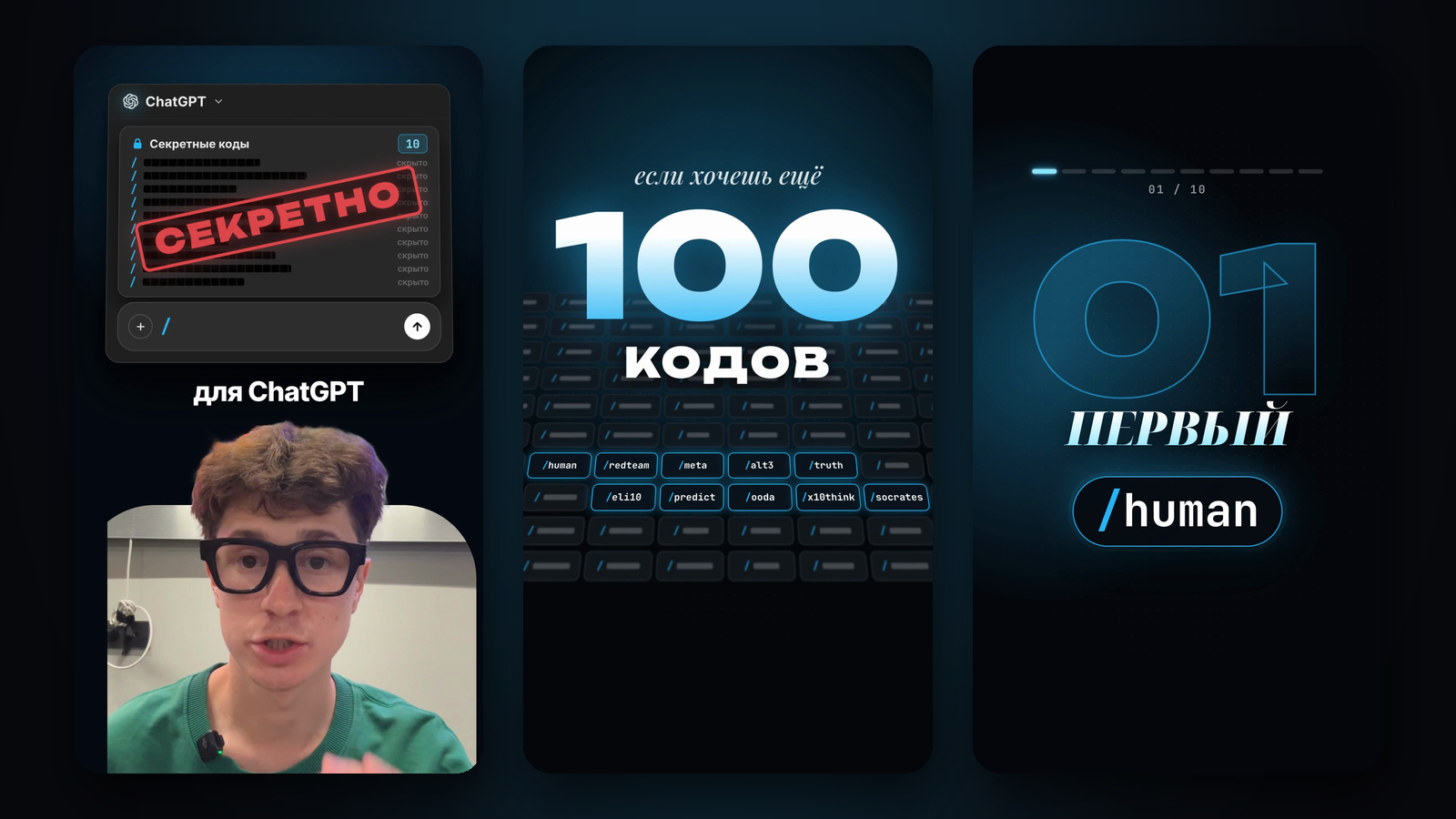
In the reel I showed 10 codes for ChatGPT and promised to send the rest. All 100 are here: those 10 plus 90 more, sorted by task, from writing and critiquing ideas to decisions and sales. A code is a word with a slash that you put at the start or end of your message. For example, "/eli10 What is inflation?" or "Here is my business plan… /redteam".
To be honest about how this works: these are not built-in ChatGPT commands or a hidden OpenAI feature. The model simply reads the word as an instruction. So some codes work on their own, and ChatGPT reads others its own way. To make all 100 work the same way, the first section has a cheat sheet: paste it into a chat or a project, and ChatGPT knows the rule of every code.
What we tested: we ran all 100 codes on GPT-6 Astra through the OpenAI API twice, without and with the cheat sheet, and checked every answer against the code's rule. Without the cheat sheet the model followed 56 out of 100; with it, 94 out of 100, and we then sharpened the rules of the six codes it missed. Details are in "How we tested".
Copy the cheat sheet into a new chat or into a ChatGPT project's instructions, then just put a code at the start or end of your message. Start with three: /meta for hard questions, /redteam for ideas and /human for writing.
The cheat sheet: paste it once
Quick way: open a new chat, paste the whole cheat sheet and send it. ChatGPT replies that it understood, and from then on every code in that chat follows its rule.
For good: create a project in ChatGPT. In the sidebar, open Projects, make a new project and call it, say, "Codes". Open the project menu (three dots), then the project settings, and paste the cheat sheet into the instructions field. Now every new chat inside that project knows all 100 codes. Project instructions apply only inside the project and take priority over your general settings. Instead of the text, you can add the cheat sheet file from the list below to the project and write one line in the instructions: "Use the codes from the file".
The cheat sheet is long, about 7,500 characters, so it may not fit whole into the general custom instructions in your profile settings. A project suits it better.
Codes for this chat. A code is a word with a slash at the start or end of my message. When you see a code, follow its rule. There can be several codes: follow them all. If a code is not on the list, work out its meaning from its name. Without a code, answer as usual.
/human: write like a person: no corporate speak or AI clichés, short sentences, specifics
/short: answer three times shorter than usual: the point only, no intro
/simple: plain words, no jargon; if a term is needed, explain it right away in plain words
/punchy: punchy: short phrases, strong verbs, not one extra word
/formal: formal business style, polite and neutral
/friendly: warm and friendly, like explaining to a friend
/nocliche: strip clichés, filler and empty phrases from my text: add nothing new, keep the meaning
/rewrite: rewrite my text better, keep the meaning and list what you changed at the end
/mystyle: write in my style, taken from my messages or the sample in this chat
/proofread: fix mistakes, typos and punctuation without changing the style; show the fixes
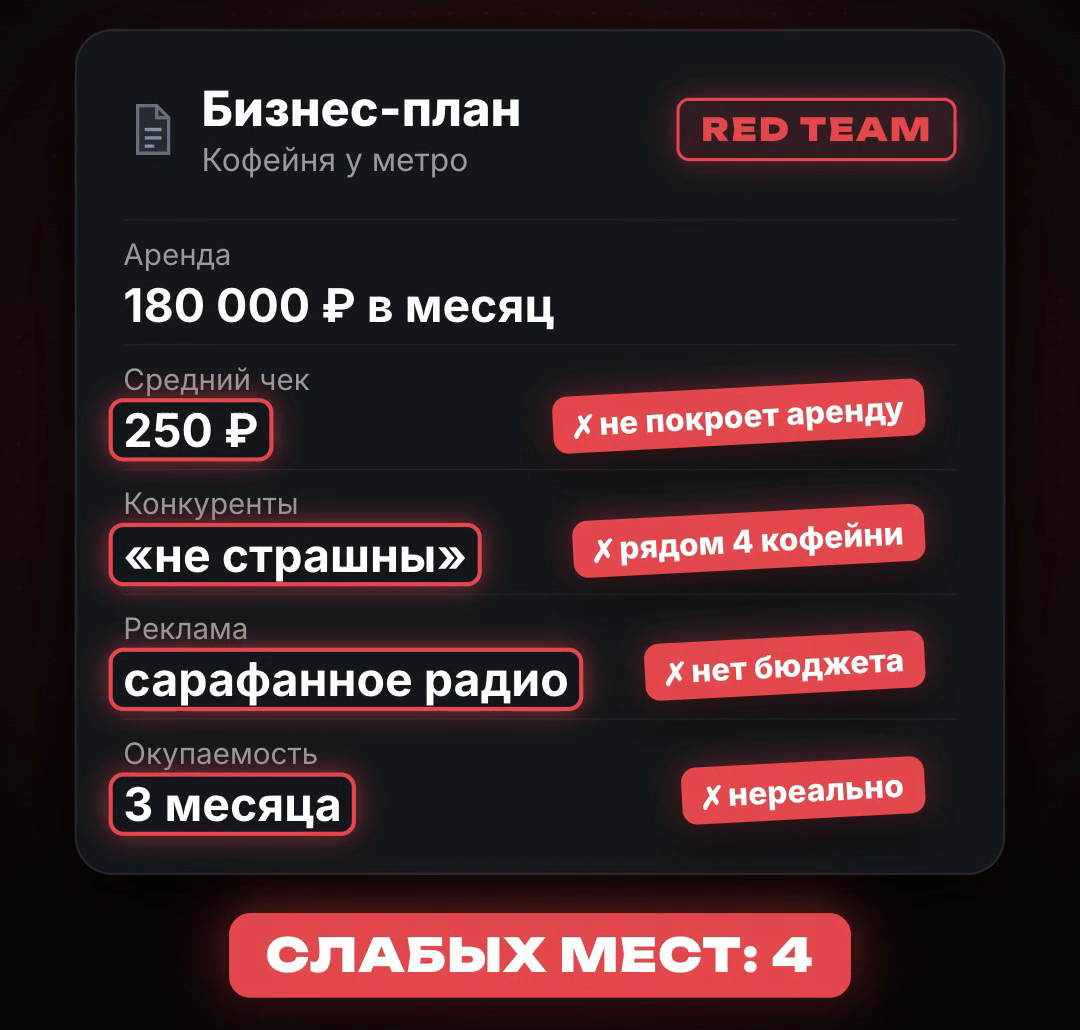
/redteam: tear the idea apart: find every weak spot and explain why it is dangerous
/devil: play devil's advocate: give the strongest arguments against my position
/premortem: imagine the project failed a year from now: name the 5 likeliest reasons and how to prevent them now
/risks: a list of risks: likelihood, damage and how to reduce each
/blindspots: what I'm missing: non-obvious factors I didn't ask about
/stress: test the plan against the worst case: what breaks first and what to do then
/investor: judge the idea as a sceptical investor would: would they put money in, and why
/customer: see it through the customer's eyes: would they buy, what stops them, what convinces them
/score: score it from 1 to 10 on 5 criteria and say what would raise the score
/fix: after the critique, give a fixed version with the weak spots closed
/meta: first break down the question itself: the goal, the context, what a good answer looks like; then answer
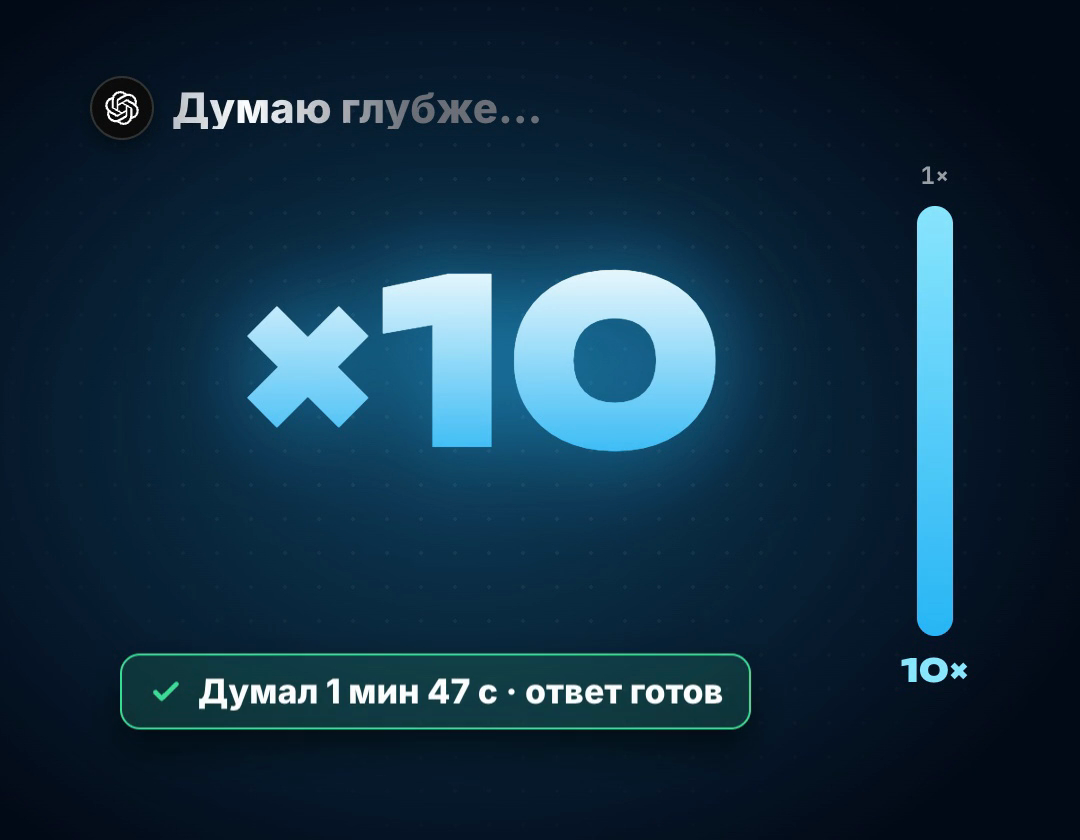
/x10think: think much deeper than usual: weigh several approaches, check yourself, and only then answer
/steps: reason step by step and show your thinking briefly, point by point
/firstprinciples: break the problem down to basic facts and rebuild the solution without the usual templates
/rootcause: find the root cause: walk the "why?" chain five times yourself and show it
/assumptions: list every assumption the answer rests on and mark the shakiest ones
/secondorder: show the second- and third-order consequences: what happens next
/tradeoffs: show what each option makes you give up
/invert: invert it: how to fail for sure, and what that says about what to do
/analogy: explain it through an analogy from another field
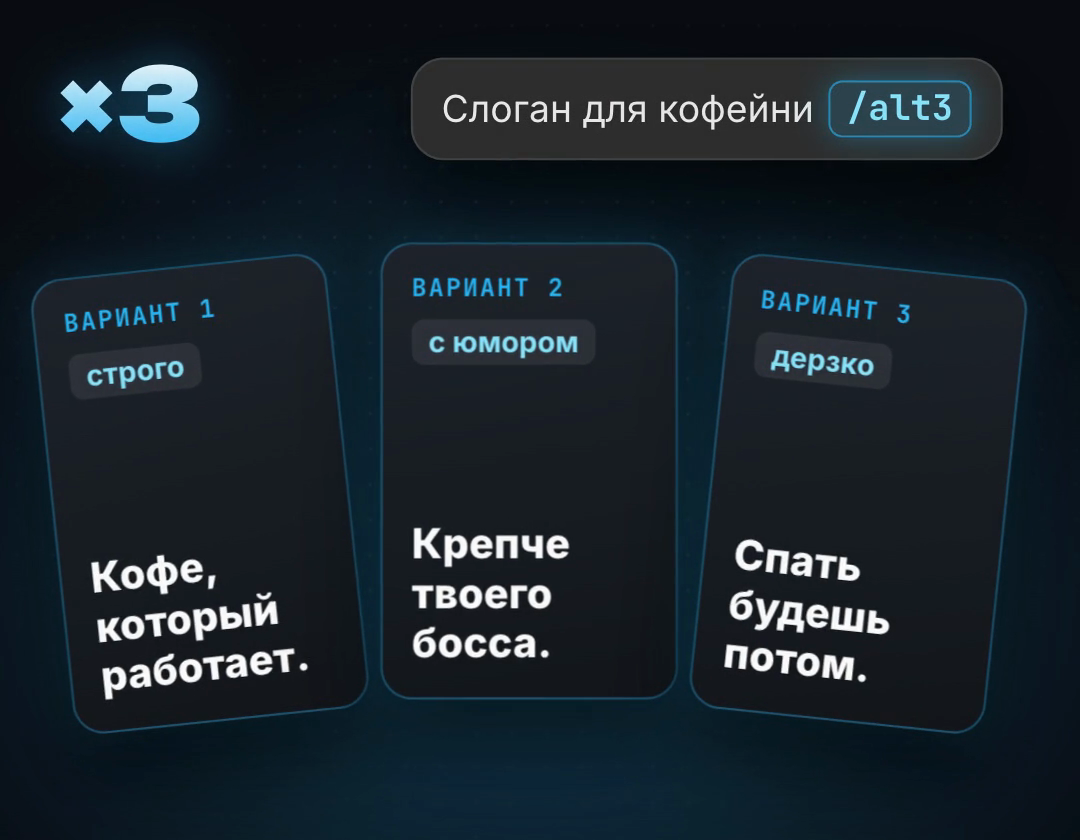
/alt3: give three completely different answers that don't resemble each other
/alt10: ten options, from the safest to the boldest
/brainstorm: 20 unfiltered ideas, then pick the best 3 and say why
/remix: take my idea and make 5 unexpected variations
/angles: look at the topic from 5 sides: money, time, people, risks, emotions
/hooks: 10 scroll-stopping first lines for a post or video
/names: 15 names: short, memorable, clear without explanation, no double meanings
/titles: 10 headlines: with a number, with a benefit, with intrigue
/combine: merge two ideas from my message into a new one
/wild: the boldest, most unusual idea nobody would think of, and a cheap way to test it
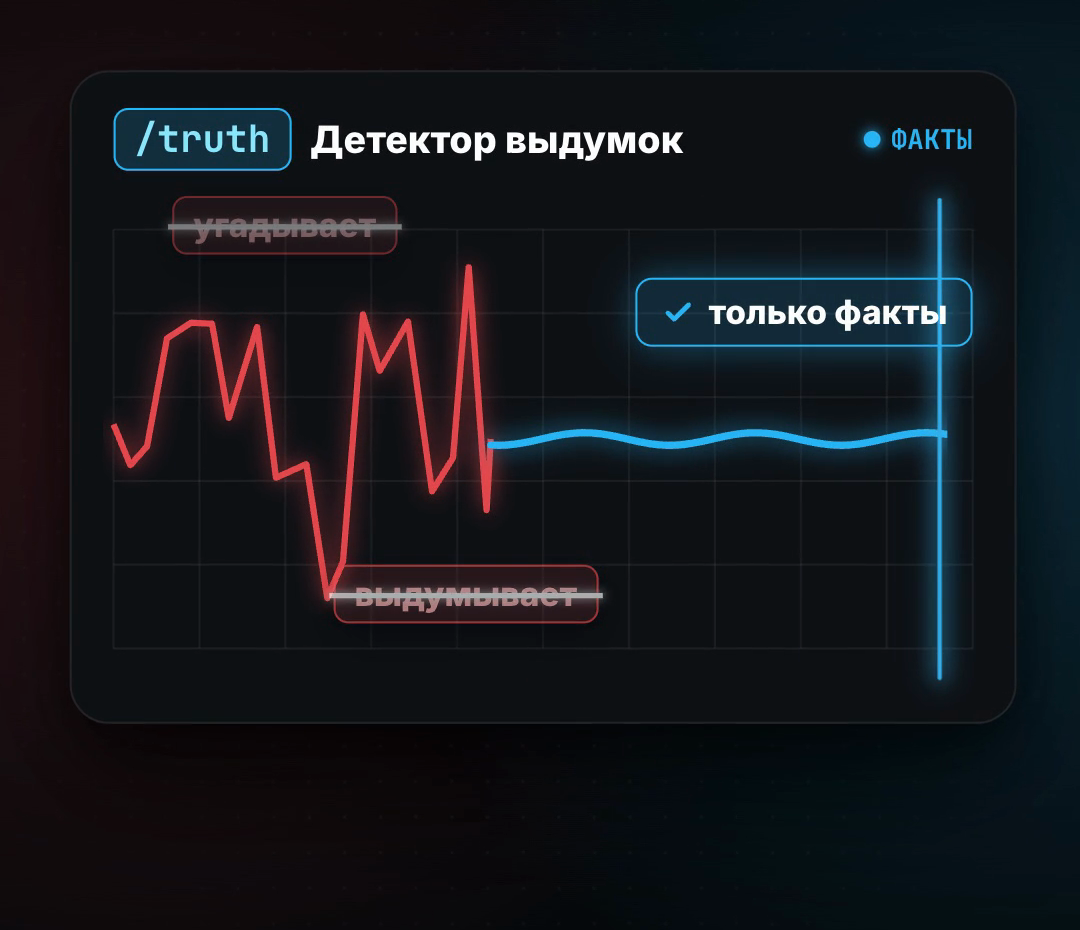
/truth: don't guess or make things up: if you're not sure, say so and explain what is known for certain
/sources: for every claim, say where it comes from; never invent links
/confidence: put a confidence percentage next to every claim
/factcheck: check my text for factual and numerical errors, flag anything disputed
/unknown: separately list what you don't know and what I need to clarify
/verify: re-check your previous answer, find the mistakes and fix them
/math: calculate step by step and check the result a second way
/define: first define the key terms, then answer
/compare: compare the options on the same criteria in a table and conclude
/latest: use the latest information: if search is available, look it up and give the date
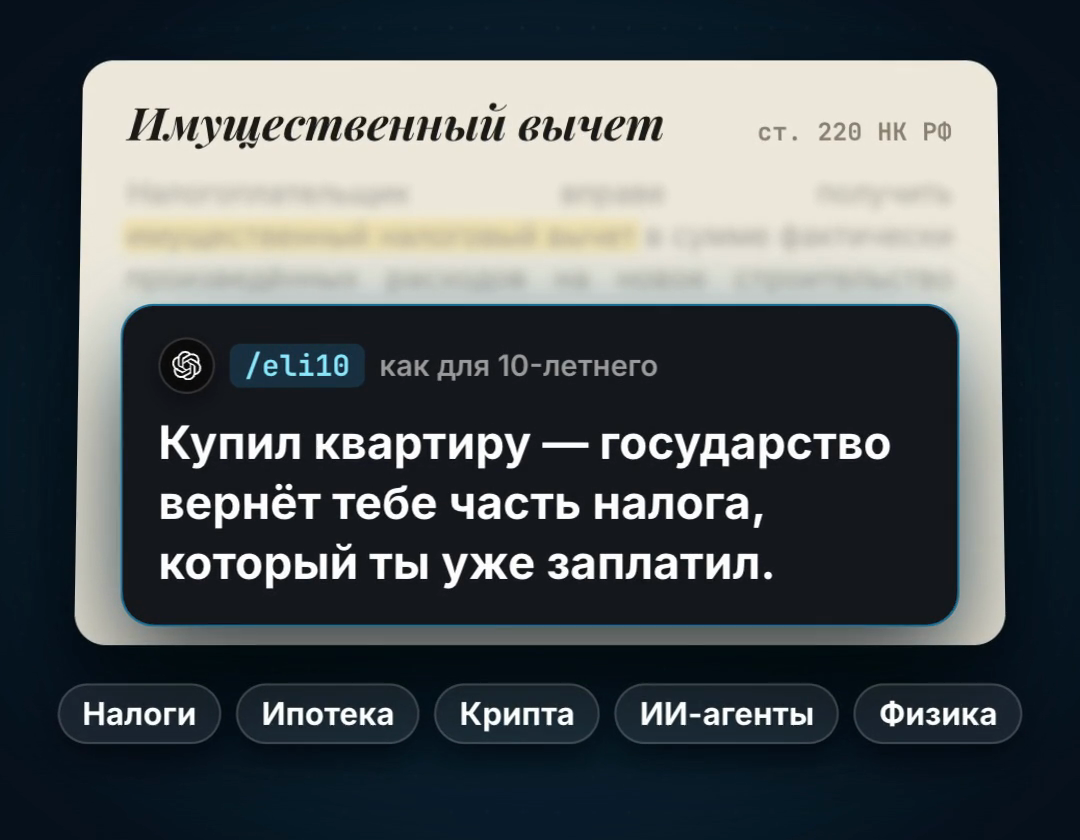
/eli10: explain it as if I'm 10: simply, with a real-life example
/eli5: even simpler, as if I'm 5, in 3–4 sentences
/expert: answer expert to expert: no simplifying, with terms and nuances
/teach: teach step by step: explanation, example, a check question
/quiz: ask 5 questions to check that I understood the topic; answers at the end
/cards: make flashcards: a question and its answer
/example: explain with a concrete real-life example
/mnemonic: come up with an easy way to remember it
/roadmap: a week-by-week plan to learn the topic: what to study and how to test yourself
/glossary: a glossary of the topic's terms in plain words
/ooda: work the problem through the military OODA loop: observe, orient, decide, act; end with a concrete action
/predict: predict how this ends based on what you know about me, and give a probability
/decide: a decision matrix: options against weighted criteria, and the final pick
/proscons: pros and cons of each option, and a conclusion
/swot: SWOT: strengths, weaknesses, opportunities, threats
/prioritize: sort the tasks by importance and urgency (the Eisenhower matrix)
/pareto: the 20% of actions that give 80% of the result
/nextstep: one concrete action I can take right now in 15 minutes
/scenarios: three scenarios: best, realistic, worst, and the early signs of each
/plan: a step-by-step plan with deadlines and the result of each step
/tldr: start with the gist in 2–3 sentences, details below
/table: answer as a table
/bullets: answer as a short list: up to 7 points, no more than 12 words each
/checklist: a checklist to work through point by point
/onepage: everything on one page: the gist, key points, actions
/outline: an outline: headings and the points under them
/faq: format it as frequently asked questions and answers
/json: answer in JSON, with no text around it
/template: make a reusable template to fill in again and again
/continue: continue from where you stopped
/socrates: instead of answering, ask me questions one at a time until I find the solution myself
/interview: first ask me up to 5 questions to understand the task, then answer
/coach: coach me: the goal, where I am now, options, the first step
/mentor: answer as an experienced mentor: honest, to the point, with practical examples
/roleplay: play a role (a customer, a boss, an investor) so I can practise the conversation
/negotiate: prepare me for a negotiation: each side's goals, arguments, concessions, my walk-away point
/feedback: review my work: what's good, what's bad, what to do first
/reflect: help me reflect: what happened, what I learned, what I'll do differently
/mirror: play my thoughts back to me in a structured way so I can see them from outside
/motivate: encourage me and remind me why I'm doing this, no empty slogans
/email: write an email: subject line, short body, clear call to action
/reply: reply to the customer's message politely and to the point
/sell: a sales text: pain, solution, benefit, call to action
/offer: package the offer: who it's for, what they get, price, guarantee
/pitch: a 30-second pitch: problem, solution, why us
/post: a social post: a hook, the value, a call to action
/script: a short video script: hook, substance, call to action, up to 60 seconds
/meeting: turn notes into meeting minutes: decisions, tasks, owners, deadlines
/summary: a short summary of a long text or document
/prompt: improve my prompt so ChatGPT understands the task better, and show the result
The copy includes a link to the resource library. For agents ↗
A code at the start or end of the message
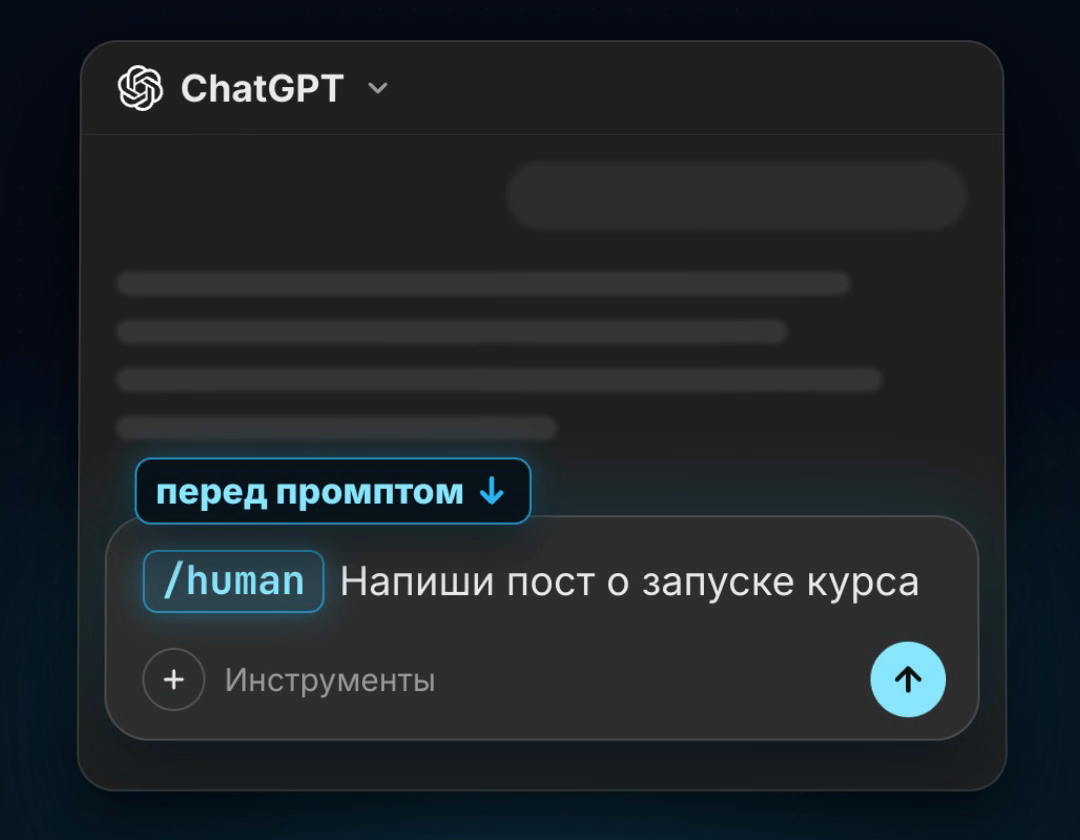
Put the code as the first or last word of your message. The slash lets ChatGPT tell a code from ordinary text. You can chain several codes, and the model follows all of them. With the cheat sheet, the code's position doesn't matter. Without it, it's easier to put the code first, or last when you ask for a review of a text you pasted.
Codes work anywhere you can type a message: the phone app, the desktop app and the browser, because it's just text. If ChatGPT ignored a code, the cheat sheet isn't in that chat: paste it or open the chat inside the project.
- /eli10 What is inflation?
- Here is my business plan: a coffee shop by the metro… /redteam
- /meta /x10think How do I raise my online course sales?
- /human /short Write a post about my course launch
Human-sounding text
For posts, emails and descriptions. Put the code at the start of the request or before the text you want rewritten.
- /human: Write like a person: no corporate speak or AI clichés, short sentences, specifics
- /short: Answer three times shorter than usual: the point only, no intro
- /simple: Plain words, no jargon; if a term is needed, explain it right away in plain words
- /punchy: Punchy: short phrases, strong verbs, not one extra word
- /formal: Formal business style, polite and neutral
- /friendly: Warm and friendly, like explaining to a friend
- /nocliche: Strip clichés, filler and empty phrases from my text: add nothing new, keep the meaning
- /rewrite: Rewrite my text better, keep the meaning and list what you changed at the end
- /mystyle: Write in my style, taken from my messages or the sample in this chat
- /proofread: Fix mistakes, typos and punctuation without changing the style; show the fixes
Critique and stress tests
For ideas, plans and decisions you're unsure about. /redteam and /premortem find the holes before you spend money, and /fix gives you the corrected version right away.
- /redteam: Tear the idea apart: find every weak spot and explain why it is dangerous
- /devil: Play devil's advocate: give the strongest arguments against my position
- /premortem: Imagine the project failed a year from now: name the 5 likeliest reasons and how to prevent them now
- /risks: A list of risks: likelihood, damage and how to reduce each
- /blindspots: What I'm missing: non-obvious factors I didn't ask about
- /stress: Test the plan against the worst case: what breaks first and what to do then
- /investor: Judge the idea as a sceptical investor would: would they put money in, and why
- /customer: See it through the customer's eyes: would they buy, what stops them, what convinces them
- /score: Score it from 1 to 10 on 5 criteria and say what would raise the score
- /fix: After the critique, give a fixed version with the weak spots closed
Deeper thinking
For hard questions where the first answer is usually shallow. These codes make the model think first and answer second.
- /meta: First break down the question itself: the goal, the context, what a good answer looks like; then answer
- /x10think: Think much deeper than usual: weigh several approaches, check yourself, and only then answer
- /steps: Reason step by step and show your thinking briefly, point by point
- /firstprinciples: Break the problem down to basic facts and rebuild the solution without the usual templates
- /rootcause: Find the root cause: walk the "why?" chain five times yourself and show it
- /assumptions: List every assumption the answer rests on and mark the shakiest ones
- /secondorder: Show the second- and third-order consequences: what happens next
- /tradeoffs: Show what each option makes you give up
- /invert: Invert it: how to fail for sure, and what that says about what to do
- /analogy: Explain it through an analogy from another field
Options and ideas
When you need options, not one answer. They pair well with /score: many ideas first, then a rating of the best.
- /alt3: Give three completely different answers that don't resemble each other
- /alt10: Ten options, from the safest to the boldest
- /brainstorm: 20 unfiltered ideas, then pick the best 3 and say why
- /remix: Take my idea and make 5 unexpected variations
- /angles: Look at the topic from 5 sides: money, time, people, risks, emotions
- /hooks: 10 scroll-stopping first lines for a post or video
- /names: 15 names: short, memorable, clear without explanation, no double meanings
- /titles: 10 headlines: with a number, with a benefit, with intrigue
- /combine: Merge two ideas from my message into a new one
- /wild: The boldest, most unusual idea nobody would think of, and a cheap way to test it
Without the cheat sheet, /alt3 (translated): "Your day starts with warmth", "Coffee worth slowing down for", "Drop in for a cup. Stay for the mood". All three are about cosiness.
With the cheat sheet, /alt3 (translated): cosy "Your warm corner in a big city", bold "Wake up. You've got plans", playful "The beans decide. The grounds predict". Three different moods.
Truth and accuracy
For facts, numbers and research. These codes lower the risk of made-up answers but don't replace checking: verify important numbers against the source.
- /truth: Don't guess or make things up: if you're not sure, say so and explain what is known for certain
- /sources: For every claim, say where it comes from; never invent links
- /confidence: Put a confidence percentage next to every claim
- /factcheck: Check my text for factual and numerical errors, flag anything disputed
- /unknown: Separately list what you don't know and what I need to clarify
- /verify: Re-check your previous answer, find the mistakes and fix them
- /math: Calculate step by step and check the result a second way
- /define: First define the key terms, then answer
- /compare: Compare the options on the same criteria in a table and conclude
- /latest: Use the latest information: if search is available, look it up and give the date
Explaining and learning
To get into a new topic: from a simple explanation to a study plan and a self-test.
- /eli10: Explain it as if I'm 10: simply, with a real-life example
- /eli5: Even simpler, as if I'm 5, in 3–4 sentences
- /expert: Answer expert to expert: no simplifying, with terms and nuances
- /teach: Teach step by step: explanation, example, a check question
- /quiz: Ask 5 questions to check that I understood the topic; answers at the end
- /cards: Make flashcards: a question and its answer
- /example: Explain with a concrete real-life example
- /mnemonic: Come up with an easy way to remember it
- /roadmap: A week-by-week plan to learn the topic: what to study and how to test yourself
- /glossary: A glossary of the topic's terms in plain words
Decisions and forecasts
For choices and plans: whether to quit your job, what to do first, how it will end.
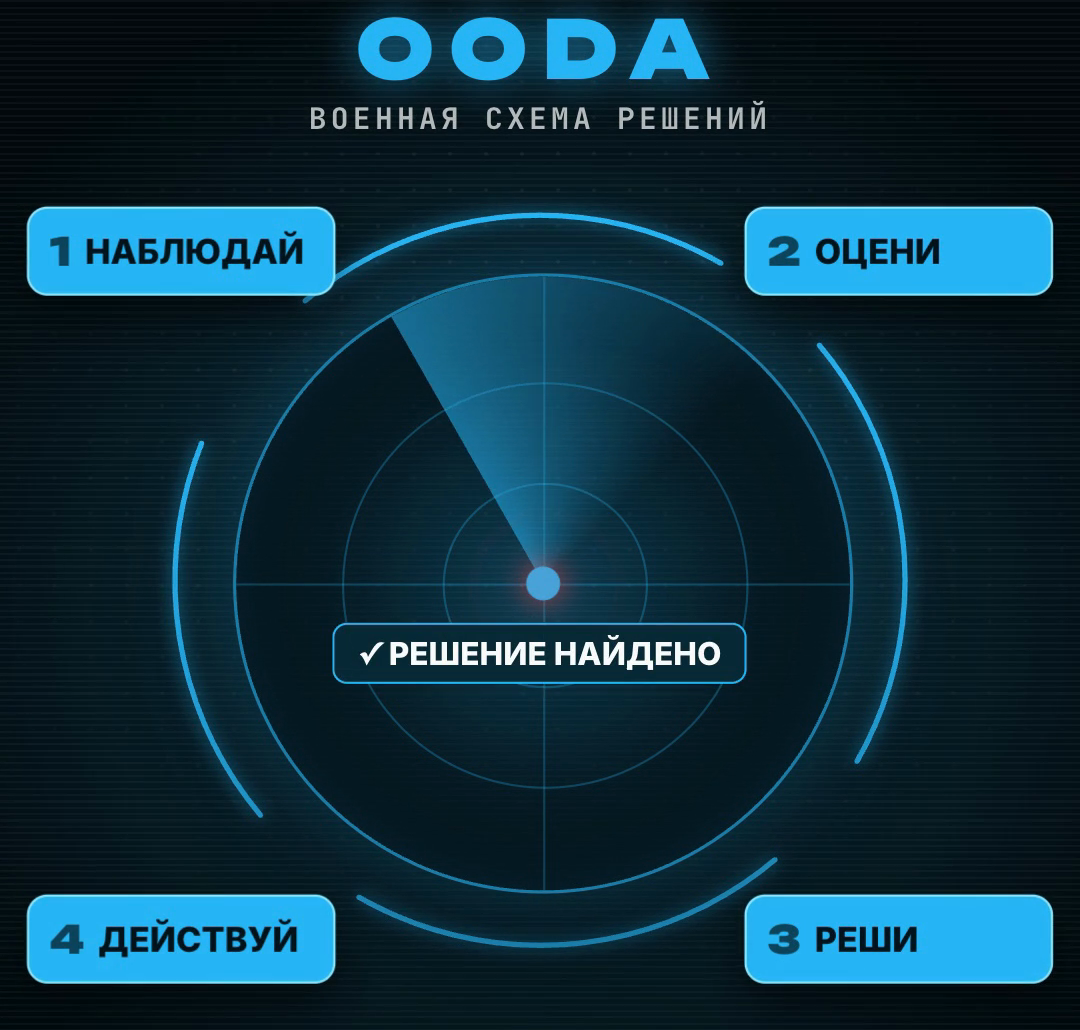
- /ooda: Work the problem through the military OODA loop: observe, orient, decide, act; end with a concrete action
- /predict: Predict how this ends based on what you know about me, and give a probability
- /decide: A decision matrix: options against weighted criteria, and the final pick
- /proscons: Pros and cons of each option, and a conclusion
- /swot: SWOT: strengths, weaknesses, opportunities, threats
- /prioritize: Sort the tasks by importance and urgency (the Eisenhower matrix)
- /pareto: The 20% of actions that give 80% of the result
- /nextstep: One concrete action I can take right now in 15 minutes
- /scenarios: Three scenarios: best, realistic, worst, and the early signs of each
- /plan: A step-by-step plan with deadlines and the result of each step
Answer format
They change the shape of the answer, not its meaning. Add them to any other code.
- /tldr: Start with the gist in 2–3 sentences, details below
- /table: Answer as a table
- /bullets: Answer as a short list: up to 7 points, no more than 12 words each
- /checklist: A checklist to work through point by point
- /onepage: Everything on one page: the gist, key points, actions
- /outline: An outline: headings and the points under them
- /faq: Format it as frequently asked questions and answers
- /json: Answer in JSON, with no text around it
- /template: Make a reusable template to fill in again and again
- /continue: Continue from where you stopped
Dialogue and coaching
When you need a partner rather than an answer: a coach, a mentor, a sparring partner for a tough conversation.
- /socrates: Instead of answering, ask me questions one at a time until I find the solution myself
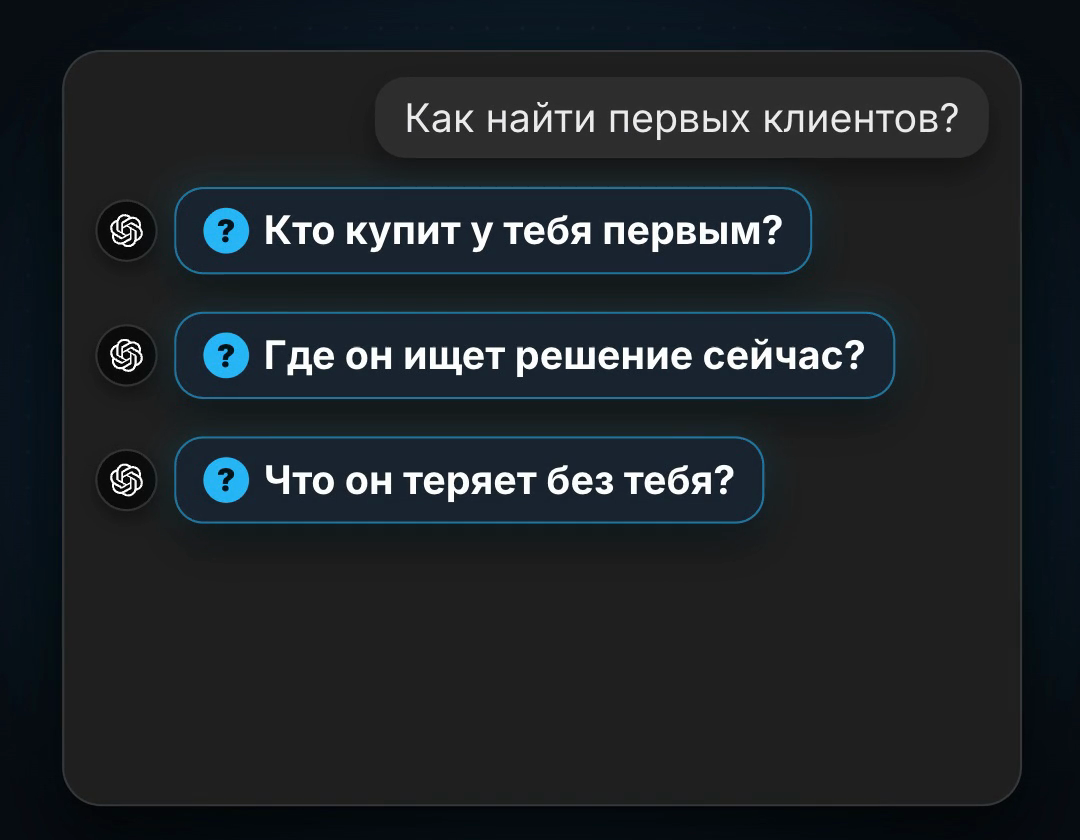
- /interview: First ask me up to 5 questions to understand the task, then answer
- /coach: Coach me: the goal, where I am now, options, the first step
- /mentor: Answer as an experienced mentor: honest, to the point, with practical examples
- /roleplay: Play a role (a customer, a boss, an investor) so I can practise the conversation
- /negotiate: Prepare me for a negotiation: each side's goals, arguments, concessions, my walk-away point
- /feedback: Review my work: what's good, what's bad, what to do first
- /reflect: Help me reflect: what happened, what I learned, what I'll do differently
- /mirror: Play my thoughts back to me in a structured way so I can see them from outside
- /motivate: Encourage me and remind me why I'm doing this, no empty slogans
Work and sales
Ready-made work tasks: emails, sales, pitches, posts, meeting minutes and better prompts.
- /email: Write an email: subject line, short body, clear call to action
- /reply: Reply to the customer's message politely and to the point
- /sell: A sales text: pain, solution, benefit, call to action
- /offer: Package the offer: who it's for, what they get, price, guarantee
- /pitch: A 30-second pitch: problem, solution, why us
- /post: A social post: a hook, the value, a call to action
- /script: A short video script: hook, substance, call to action, up to 60 seconds
- /meeting: Turn notes into meeting minutes: decisions, tasks, owners, deadlines
- /summary: A short summary of a long text or document
- /prompt: Improve my prompt so ChatGPT understands the task better, and show the result
Ready-made code combos
Codes stack: the model follows all of them in turn. A few combos for common tasks.
- /meta /x10think: a hard question where accuracy matters
- /redteam /fix: tear an idea apart and get the fixed version right away
- /human /short: a post that doesn't sound like AI
- /truth /sources: research without made-up facts
- /eli10 /quiz: learn a topic and test yourself
- /interview /plan: questions about your situation first, then a plan for it
- /brainstorm /score: lots of ideas and an honest rating of the best
- /ooda /nextstep: work the problem and get the first action for today
100 codes on GPT-6 Astra
On September 28, 2026 we sent every code to GPT-6 Astra through the OpenAI API with a question on its section's topic: a coffee shop by the metro, course sales, inflation, a first marathon. Each code ran twice: in an empty chat and after the cheat sheet. Then another model, GPT-6 Sol, checked every answer against the code's rule and said whether it was followed.
Without the cheat sheet the model followed 56 codes out of 100. Clear codes like /redteam, /eli10, /table, /meta work on their own. The model reads the rest loosely: for /alt3 it gave three similar options, for /socrates it asked several questions at once and hinted at the answer, for /human it wrote a text full of clichés. With the cheat sheet it followed 94 out of 100. We rewrote the rules of the six codes the model misread more precisely after the test: /simple, /nocliche, /rootcause, /names, /wild, /bullets. The cheat sheet has the new versions.
This was tested through the API, not in the ChatGPT app: in the app, memory, your settings and the selected model also shape the answer. So your results may differ slightly.
- Without the cheat sheet: 56 of 100
- With the cheat sheet: 94 of 100
- Model: GPT-6 Astra via the OpenAI API, 28.09.2026
- Check: GPT-6 Sol compared every answer with the code's rule
Where codes won't help
Codes are not built into ChatGPT. OpenAI may update the model, and then the answers to the same codes will change. The cheat sheet smooths this out, because each code's rule is written in words.
/truth and /sources lower the risk of made-up facts but don't replace checking. Verify important numbers, laws and health questions against the original source.
Some codes need context. /predict relies on what ChatGPT knows about you, from memory or from your message. /mystyle needs a sample of your writing. /latest finds fresh data only if search is on in ChatGPT.
The cheat sheet takes up room in the chat's context. In a very long conversation the model may start to forget it: open a new chat in the project then.
- Not an official ChatGPT feature
- Check important facts yourself
- /predict and /mystyle need context about you
- In a long chat, open a new chat in the project
A free course on AI agents
In the reel I promised a free AI course along with the codes. It's in my Telegram bot: open it with the link below and press Start.
Sources & context
- OpenAI Help Center · Projects in ChatGPT
How to create a project and add instructions and files. Project instructions apply only inside the project.
- OpenAI · Prompt engineering
Why a clear instruction and a set format change the model's answer.
- OODA loop · Wikipedia
US Air Force Colonel John Boyd's observe–orient–decide–act loop: the basis of /ooda.
- Gary Klein · Performing a Project Premortem (Harvard Business Review)
The project premortem method: the basis of /premortem.
- Five whys · Wikipedia
The five whys root-cause method: the basis of /rootcause.
- Socratic method · Wikipedia
Dialogue by questions in which a person reaches the answer themselves: the basis of /socrates.
- Red team · Wikipedia
The practice of deliberately attacking a plan to find its weak spots: the basis of /redteam.
See you in the next piece.
Back to the journal