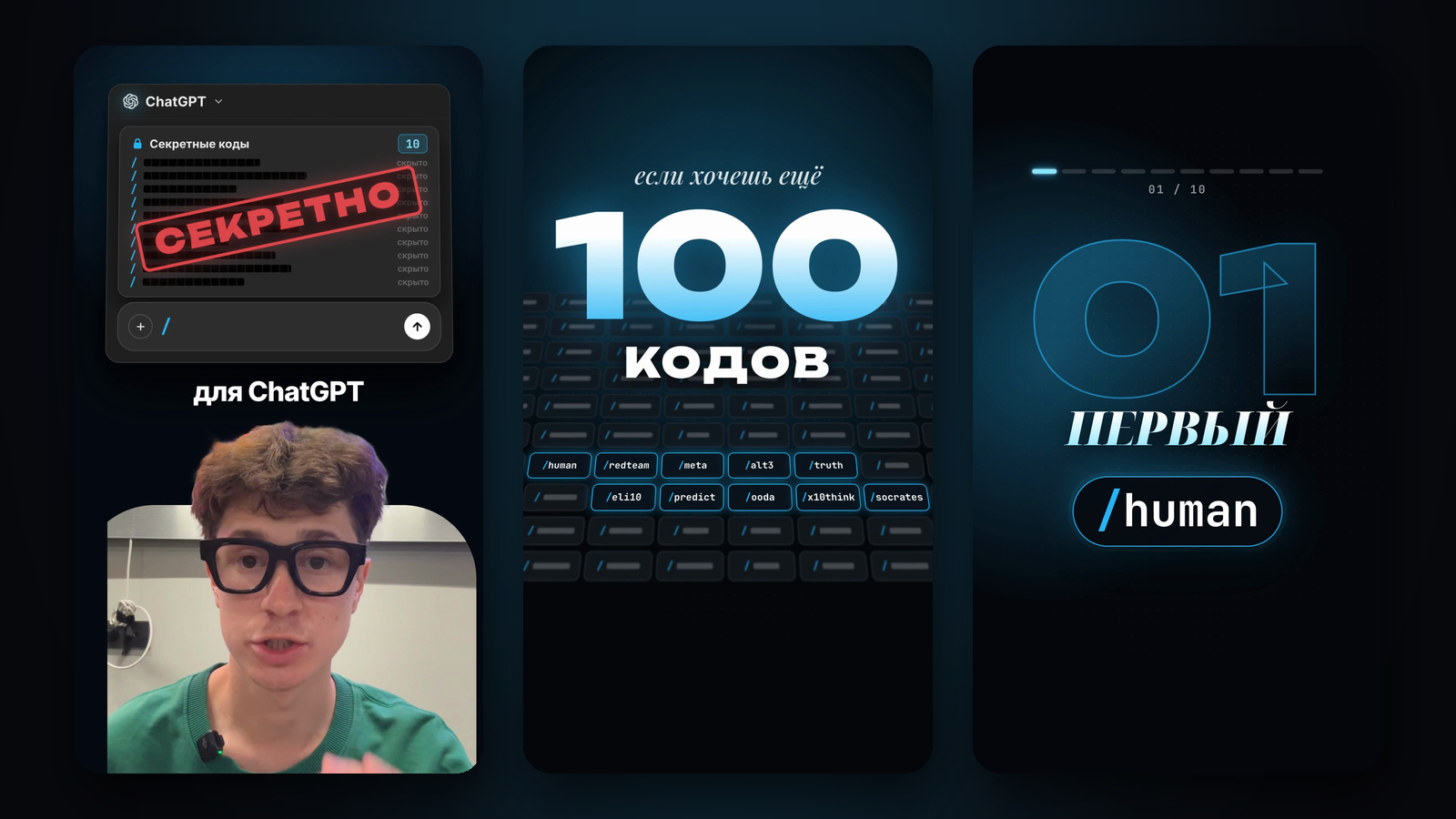
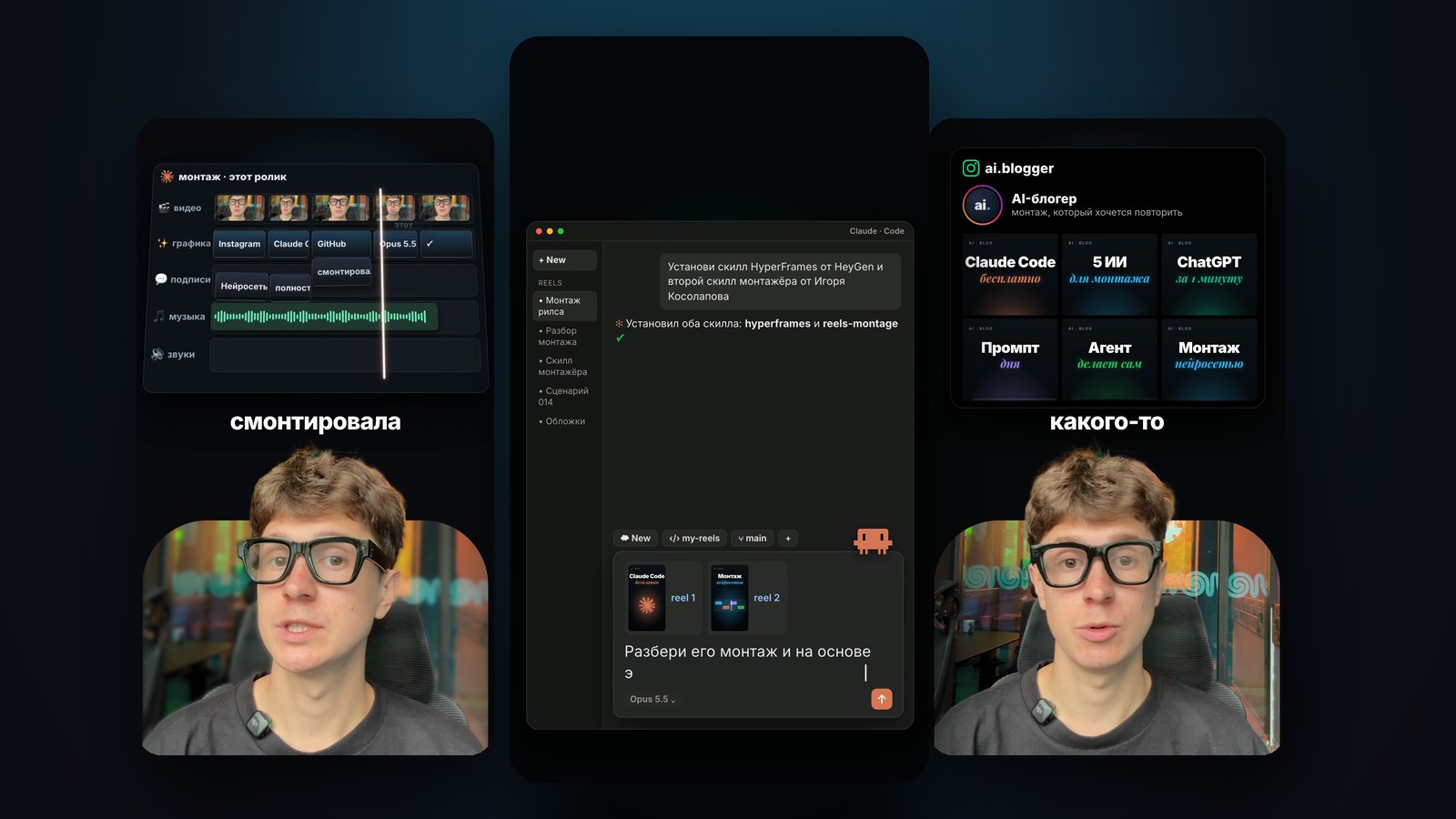
My reel about AI editing was edited with this skill. Claude Code cut the pauses and retakes, put graphics exactly on the words, made the captions and added music and sound. The engine is HyperFrames, an open project by HeyGen: the video is built from HTML and rendered on your computer.
Everything is packed into one archive: the editing skill, the HyperFrames and procedural-film skills, sounds, music, fonts and an installer. My style and my reels are not in it: everyone makes their own style from reels of a creator they like. You don't install anything by hand. Paste the prompt below, or just the link to this page, into Claude Code, and it does the rest.
What we tested: installing from the archive into a clean folder on a Mac and a full test run of the engine, from build to a finished reel with sound. Analyzing someone else's reels depends on whether Instagram hands over the video: without a login it often refuses, and below is what to do then.
Paste the prompt into Claude Code, give it links to 2–3 reels of a creator whose editing you like, and upload your take. In 10–20 minutes you have a finished reel in that style, and the style skill stays with you for the next reels.
Install with one prompt
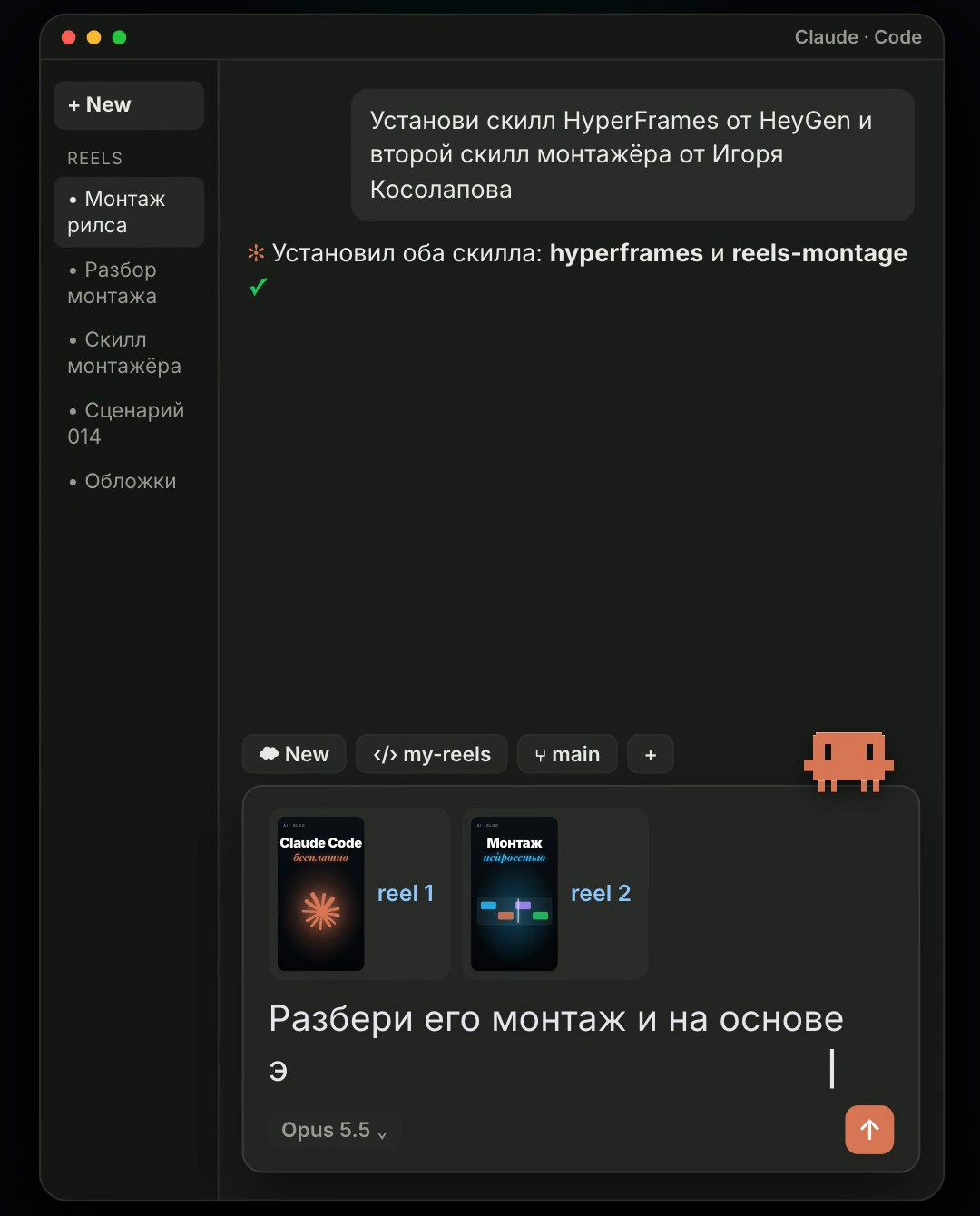
Open Claude Code: the app's Code tab or the terminal. Paste the prompt with the two links and send it: the first link is HyperFrames, the second is this page.
Claude reads the instructions below, downloads the archive, checks its checksum, unpacks it, installs the missing programs and skills, and renders a five-second test reel. That proves the engine works on your computer. The first install takes one to five minutes. Claude may ask you to confirm its commands; that is normal.
# Instructions for Claude Code: how to install the editor skill from the reels-montage-skill page
curl -L -o ~/Downloads/reels-montage-kit.zip https://kossolapov.com/api/public/files/0ba03bad-8615-46a3-8c21-6a5d59684702
shasum -a 256 ~/Downloads/reels-montage-kit.zip   # must be c3b0e60563ef2361020a5da039a8e00d74abc09a6d54d7dd77f83d60da91fd2d
mkdir -p ~/reels-montage-kit && unzip -o ~/Downloads/reels-montage-kit.zip -d ~/reels-montage-kit
# then follow ~/reels-montage-kit/reels-montage-kit/START_HERE.md:
python3 ~/reels-montage-kit/reels-montage-kit/install.py   # 10-minute timeout, wait for the last line
# the HyperFrames skills are already in the archive; the user pastes keys into ~/.config/reels-montage/keys.env, never into the chat
Install the HyperFrames skill by HeyGen and the second editor skill by Igor Kosolapov
https://github.com/heygen-com/hyperframes
https://kossolapov.com/en/blog/reels-montage-skill
The copy includes a link to the resource library. For agents ↗
Three requests, and the reel is done
The skill does the job of a talking-head editor. It has no style of its own, and that is the main difference from templates: you make the style. You give it 2–5 reels of a creator whose editing you like. It counts cuts, speaking pace, the share of face and graphics, captions, fonts, colours, music and sound, and saves it all as a separate skill named after the creator.
After that, all your reels are edited in that style. Whatever the edit is missing, Claude asks for itself: what the reel is about, which names come up, the call to action, the colour. The engine, sounds, music and fonts are in the archive; the style in numbers comes from your breakdown.
- Cuts pauses and retakes, keeps the best attempts
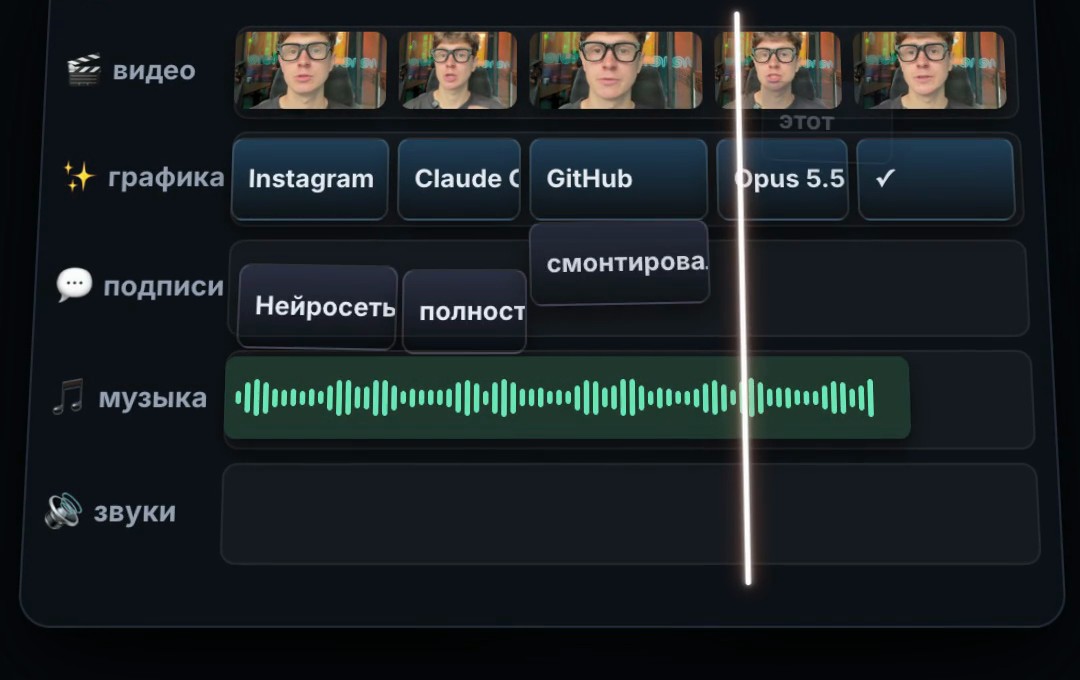
- Graphics exactly on the words: logos, counters, interfaces, prompts typing on screen
- 1–3-word captions, face close-ups, a split with an arch
- Music and sound: a riser at the start, whooshes on scene changes, a keyboard while a prompt types
- Breaks down any creator's style and makes a separate skill for it
- Asks for whatever the edit is missing
A Mac, Claude Code and an OpenAI key
Claude Code with a Pro or Max subscription. Set the model to Opus 5.5: the /model command.
A Mac with Apple Silicon: everything was tested on one. Cutting the person out of the frame and tracking the face use the computer vision built into macOS. On Windows and Linux the skill switches to fallbacks, but we have not tested that path.
An OpenAI key: it transcribes the speech in your video and analyzes the creator's reels. It costs cents: about one cent per minute of video and a few cents per analyzed reel. You create the key at platform.openai.com under API keys. You paste it yourself into a file Claude opens for you. Don't send the key in the chat.
Optional: an ElevenLabs key, which makes the voice studio-clean. Without it the voice is cleaned with filters. Claude installs ffmpeg and Node.js itself through Homebrew. If Homebrew is missing, Claude asks you to paste the one-line command from brew.sh into the Terminal once and enter your Mac password.
- Claude Code, the Opus model
- A Mac (tested); Windows and Linux untested
- An OpenAI key: cents per reel
- Optional: an ElevenLabs key for a clean voice
Find a creator whose editing you like
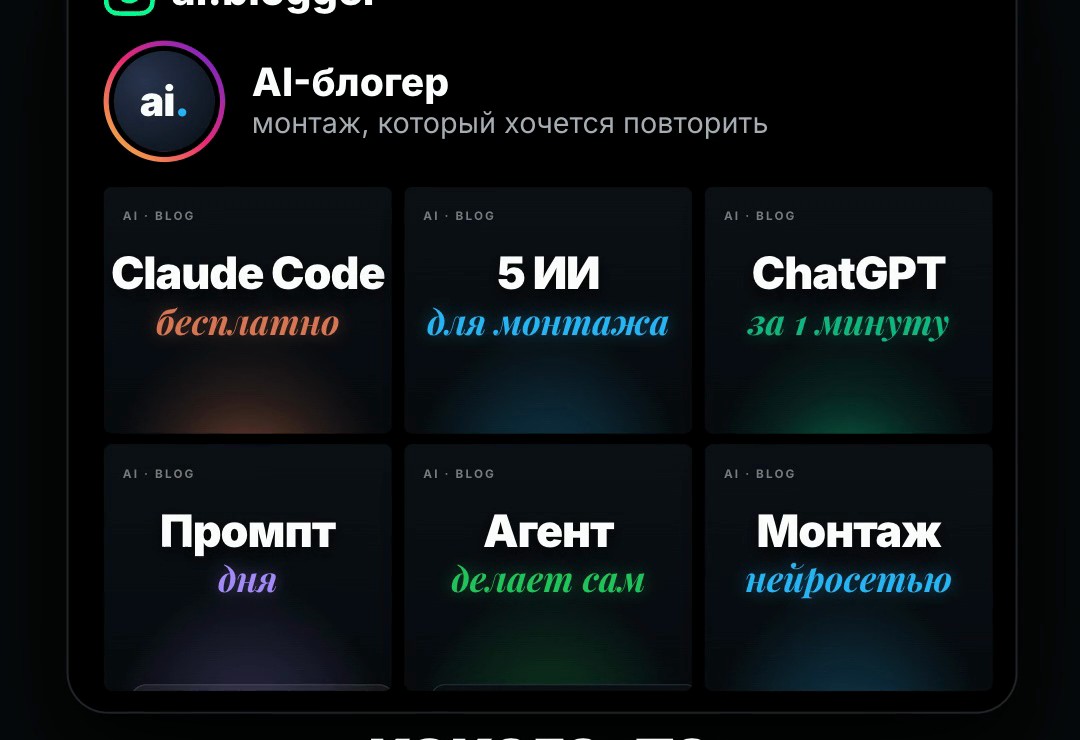
Open Instagram, find a talking-head creator with dynamic editing and copy the links to 2–3 of their reels. Take reels of the same format and period: a creator's style can change a lot within a year.
Instagram often refuses to hand over videos without a login. The easiest fix is to log in to Instagram in Chrome beforehand: Claude then downloads the reels through it. Other options: an Apify token, or download the reels yourself and drop the files into Claude Code. TikTok and YouTube Shorts links work too.
Ask for the breakdown
Put the links into the prompt below. Claude downloads the reels, cuts them into frames, counts cuts, pace, the share of face and graphics, reads the captions, fonts and colours, and describes the music and effects. Then it writes the style rules and saves everything as a separate skill named montage-<creator handle>.
At the end it briefly describes the style: pace, layouts, captions, colours, sound and 2–3 signature moves. One reel takes 1–3 minutes to analyze. The downloaded reels stay on your computer; frames and sound for the analysis go to OpenAI with your key.
Analyze their editing and create a unique skill based on it
<link to reel 1>
<link to reel 2>
<link to reel 3>
The copy includes a link to the resource library. For agents ↗
Upload your video
Film a vertical take on your phone, with your face about 40 percent of the frame width. Keep the retakes and slips: the skill cuts them. Drop the file into Claude Code and send the prompt.
Claude then transcribes the speech, cuts the pauses and failed attempts, cleans the voice, cuts you out of the background for the arch split, plans the edit by the style's rules, checks the plan and builds a contact sheet of frames. Then it renders the reel and mixes the sound: music under the voice, effects on the graphics, loudness like reels. The whole cycle takes 10–20 minutes.
The finished files are in the ~/reels/<date>-<topic>/out folder: full quality and a light copy under 20 MB for the phone. Ask for changes in plain words: "make the opening more dynamic", "bigger captions".
Edit it in my style
<drop your video here>
The copy includes a link to the resource library. For agents ↗
What you should get
After installing, Claude shows the test reel: five seconds with graphics, captions, music and a typing sound. Until the OpenAI key is added, the installer says ENGINE OK · NOT READY, which is normal. Once you add the key, the check says READY.
While editing, the skill checks itself. The plan is checked for pace and shot balance. Before the render, a contact sheet shows every shot. After the render, the reel is compared with the style on pace, pauses, face share and loudness. But you are the judge: script scores don't replace your eye.
python3 ~/reels-montage-kit/reels-montage-kit/install.py --check        # what is installed, which keys are missing
python3 ~/.claude/skills/reels-montage/scripts/selftest.py --out ~/reels/_selftest   # render the test reel again
Where the limits are
The skill edits a talking head: split, face, full-frame graphics. It does not edit two-person interviews, street vlogs or film.
The style carries over through numbers and moves, not copying. The skill does not take other people's frames, music or text: fonts and music are its own, screenshots and graphics are rebuilt for your reel.
Quality depends on the take. If your face is small in the frame, the close-up gets soft. Rendering runs on your computer: a minute of reel takes 2–4 minutes on a recent Mac. If Claude Code runs in a sandbox, the rendering browser may fail to start: Claude will then ask you to run the command outside it.
- Talking heads only
- Style by numbers, no copying of others' frames or music
- Tested on a Mac
- Instagram often refuses downloads without a login
Sources & context
- HyperFrames · GitHub
HeyGen's open engine: video from HTML, rendered locally, Apache-2.0. Its skills are included in the archive.
- procedural-film · GitHub
The skill whose discipline the editor follows: reference analysis, rules in numbers, a deterministic engine, checks. MIT, included in the archive.
- Claude Code docs · Agent Skills
How Claude Code finds and loads skills from ~/.claude/skills.
- OpenAI · API keys
Where to create the key for transcription and reel analysis.
- ElevenLabs · Voice Isolator
Optional voice cleanup.
- yt-dlp · cookies
How to download Instagram reels through a browser where you are logged in.
See you in the next piece.
Back to the journal